
AVEVA Connect login credentials are cached locally after installation. Consequently, logging out does not allow users to authenticate with a different AVEVA Connect account or email address.
Delete the .AVEVA folders:
Delete these folders if they exist
a) C:\Users\%username%\.aveva
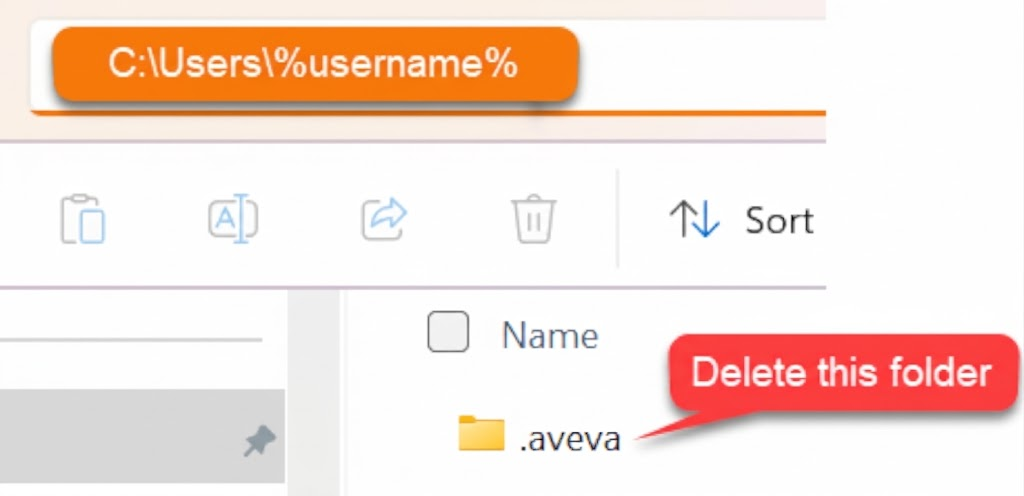
b) C:\Users%username%\AppData\Local.aveva

In the file path C:\Users\%username%, replace %username% with the Windows user profile name of the user currently logged in.