
The Industrial AI Assistant (IAIA) is a conversational digital assistant designed to help users access relevant model information through natural, intuitive dialogue.
Powered by advanced large language models from OpenAI and hosted on Microsoft Azure, the IAIA interprets natural language requests and returns meaningful, context‑aware information.
Users no longer need to know specific AVEVA Unified Engineering command syntax—the assistant identifies and retrieves the information that best matches the request.
All responses include citations, ensuring full transparency into the sources used.
Data integrity and privacy are core principles of the Industrial AI Assistant (Preview):
- Customer project data remains strictly within the customer’s own account and solution. AVEVA does not have access to this data.
- Customer data is never used to train or improve AI models.
- No customer project data is sent to the Industrial AI Assistant model; only the text from user queries is processed within the secure cloud service.
- No data is shared with external parties during the operation of the assistant.
How does the Industrial AI Assistant (Preview) work?
The architecture behind the Industrial AI Assistant (Preview) is built around three core components:
- AVEVA Unified Engineering Customer data is securely hosted in CONNECT, the same protected repository used for all CONNECT‑based information. Unified Engineering also provides the interface through which users interact with the Industrial AI Assistant (Preview), submit requests, and ask questions.
- Industrial AI Assistant Service This application processes user requests and orchestrates communication between Unified Engineering and the large language model.
- Large Language Model (LLM) The LLM powers the intelligence of the assistant by interpreting requests, generating search and data queries, and summarizing results. It ensures that users receive the most relevant information in a clear and concise format.
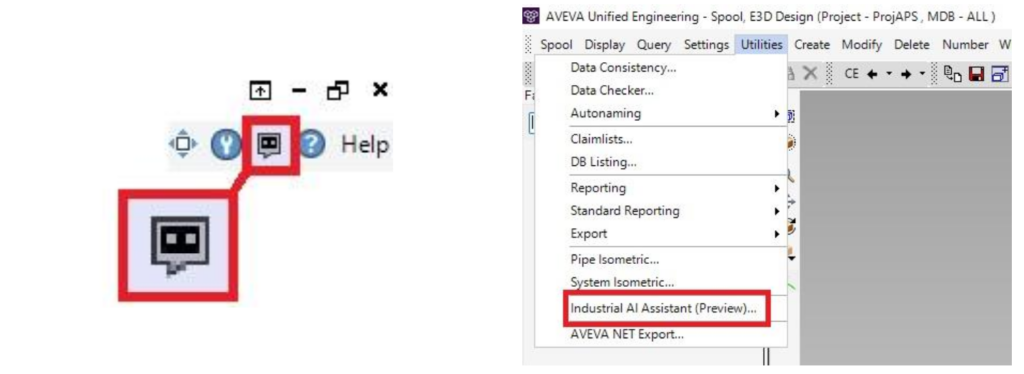
The tool is accessible via the ribbon bar at the top right of the application or in the case of Isodraft and Spool, is available in the utilities menu
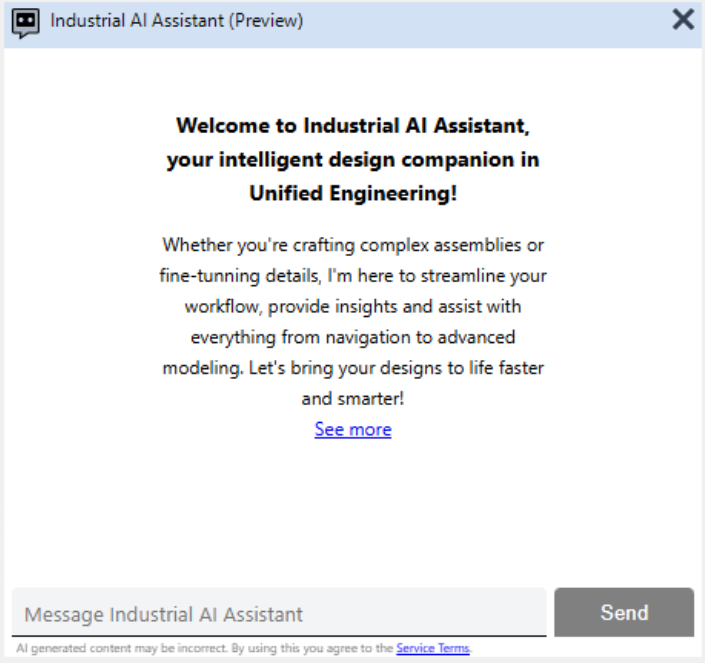
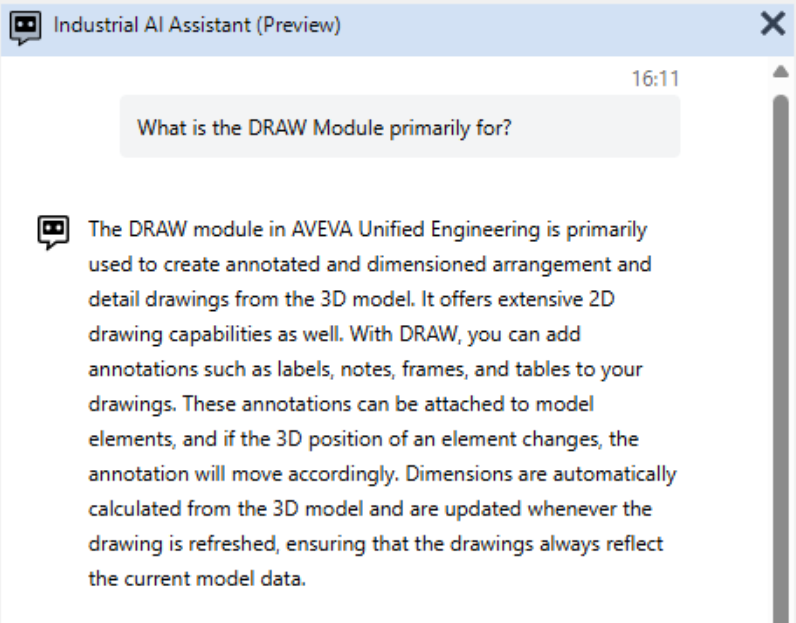
Once the Industrial AI Assistant (Preview) has been activated the user can ask questions about the software. Answers can be generated with text and images.
Direct Command Execution (DCE)
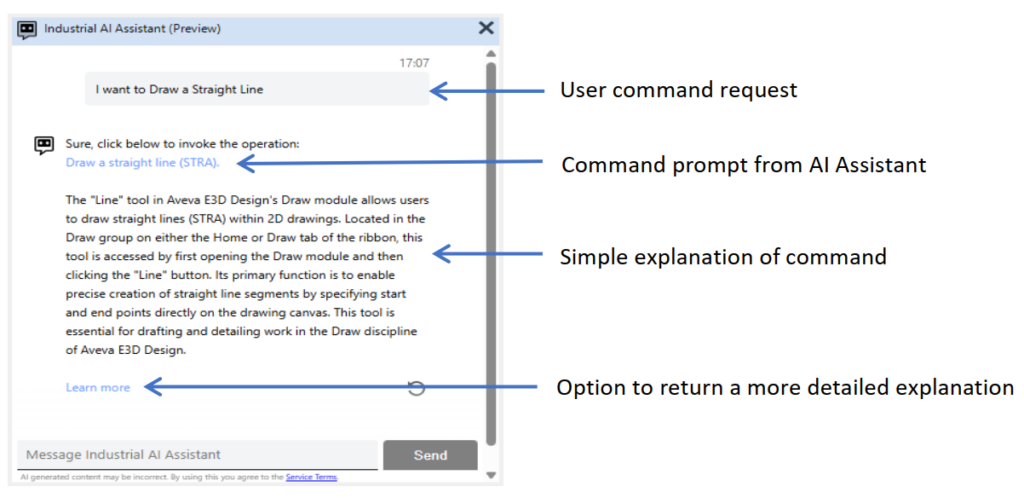
The assistant can run commands directly from available Modules when those commands appear on the Ribbon bar. It recognises action‑driven queries using “Do” phrasing—for example, “I want to draw a straight line” instead of “How do I draw a straight line?”.
Command execution depends on meeting the required prerequisites. In the Draw Module, for instance, drawing a straight line requires an open Sheet.
The response includes a link to the relevant command. Selecting it triggers the command, displays a brief explanation, and offers a “Learn more” option that provides a detailed description.
Current Direct Command Execution Limitations
DCE can return only one command at a time. This may not always match the user’s intended action when several similar commands exist. For example, the query “I want to auto‑route a new pipe” might trigger the Pipe Router Form, whereas the user may actually want the new Generative AI Pipe Routing tool (Preview). In such cases, the user may need to rephrase or regenerate the query.
Some user requests require multiple sequential steps, but DCE currently returns only the first actionable command. For instance, if the user wants to create a new Drawing and then add a view, DCE will only provide the command for creating the Drawing. Adding the view must be requested separately.