
AVEVA E3D Design – Draw Administration Training (2 Days)
Learning Goals
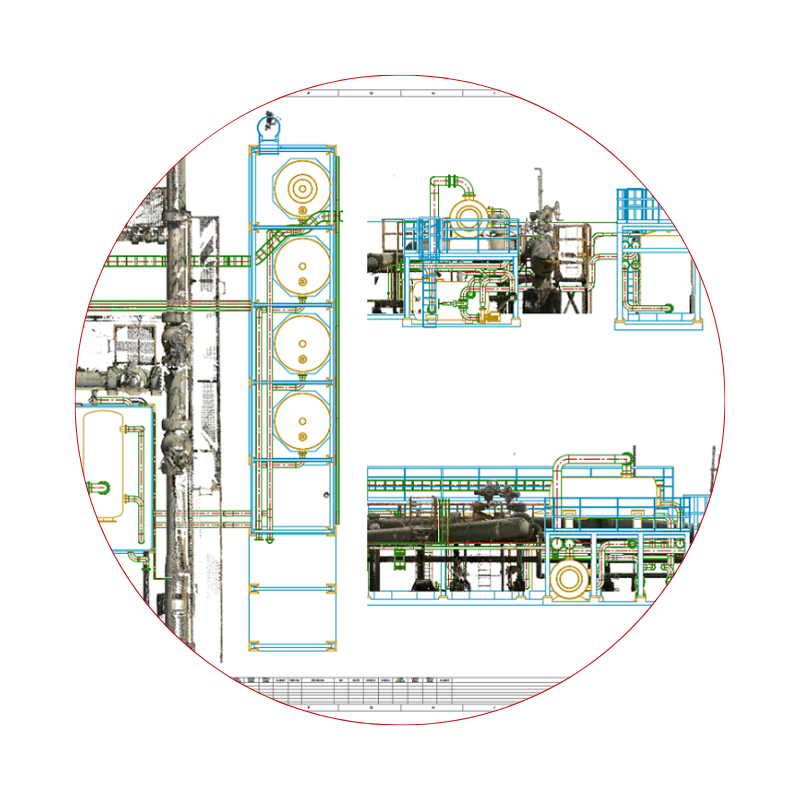
The purpose of this training guide is to equip Draw Administrators with the knowledge and skills to customize the Draw environment, enabling the creation, dimensioning, and annotation of detailed engineering drawings from existing model data using AVEVA E3D Draw tools.
Target Participants
This training targets technical users who already have prior knowledge of AVEVA software.
Aveva Administrators / Aveva Designers
Curriculum Overview
Day1
- Admin interface overview
- Types of administrative libraries
- Standard library creation/editing
- Symbolic and general label creation/editing
- Backing sheet creation/editing
- Representation rule set creation/editing
Day 2
- Change‑highlighting rule creation/editing
- 2D plan creation for administration checks
- Import transfer symbols/backing sheets from CAD
- Visual styles, layers, and section indicators
- System default settings
- Create of a 2D plan to check all the administration elements.