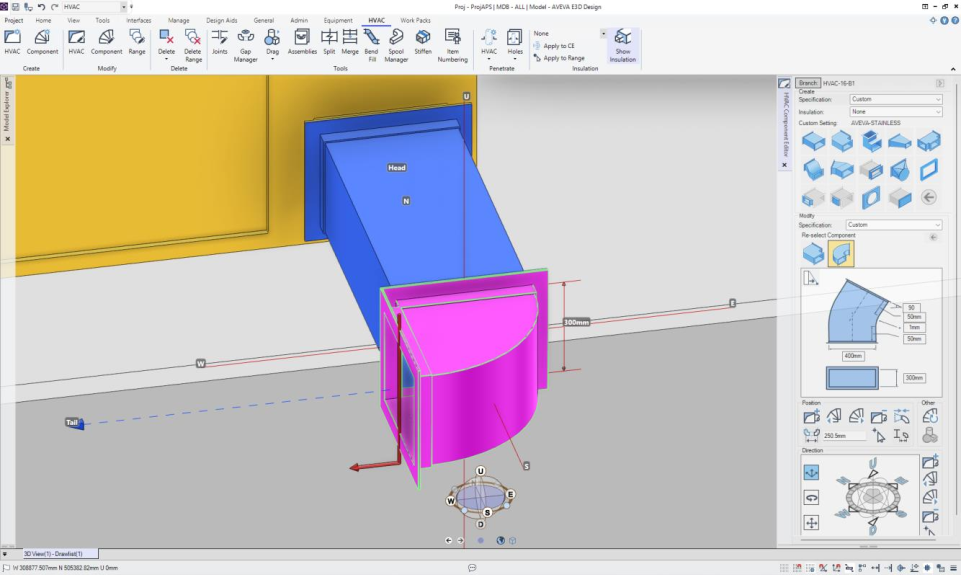
The new HVAC application is accessed from the discipline options list. Once the HVAC applicaiton has been selected the HVAC ribbon menu can be accessed.

The HVAC ribbon is grouped into functional areas. Create, Modify, Delete, Tools, Penetrate and Insulation.
Component creation and modification
The Create and Modify groups enable creation of HVAC and HVAC components via the HVAC Editor and HVAC Component Editor forms.
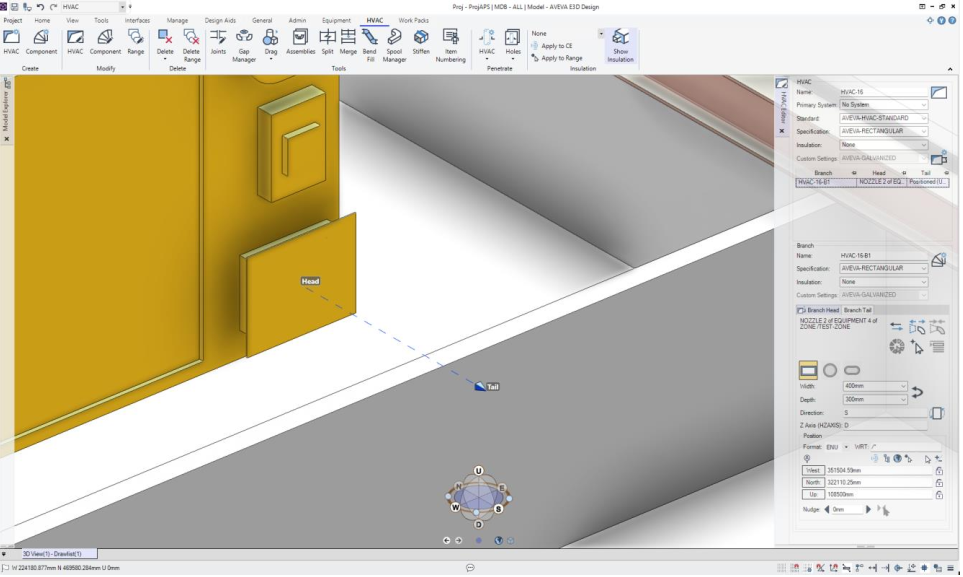
The HVAC Editor controls the creation and administration of HVAC and branches. These can be set up with the correct specifications, shapes, sizes and the branch head and tails can be positioned and/or connected ready for the creation of components and subcomponents.
Where additional components need to be created, only those components that are compatible with the previous component are shown as available.
The Component Editor allows copies components to be made. This allows ducting to be rapidly built and copies can be positioned and orientated in the form either explicitly or by alignment with other model elements.