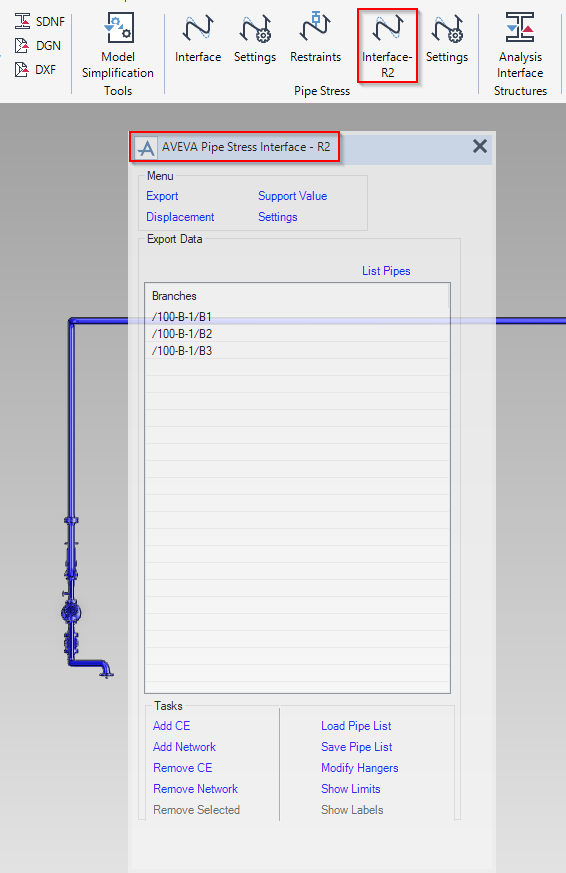
What is the goal of this additional PSI interface?
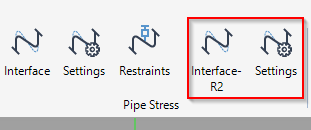
This interface is to create this two-way exchange from AVEVA E3D Design and the Rohr2 (https://www.rohr2.com/en/rohr2.html), the European Software for Pipe Stress Analysis
The configuration on the E3D side :
To use the interface, additional User Defined Attributes (UDAs) and catalog data are required.
The UDA macro file (lexicon_psi_r2_uda.mac) defines the attributes related to loads and forces. The catalog macro file (paragon_psi_r2_uda.mac) provides parameterized NOZZLE components used to display the geometry of imported pipes.
Both the UDAs and the catalog data are delivered as Database (DB) Listing files. These files can be found in the installation directory:
C:\Program Files (x86)\AVEVA\Everything3D3.1\asso_products\psi-r2\data
Two DBs must be provided for the Database Listings files:
- Dictionary DB (type “dict”, access update)
- lexicon_psi_r2_uda.mac
- Catalog DB (type “cata”, access multiwrite)
- paragon_psi_r2_uda.mac
Note:
Make sure that the DBs are included in every MDB.
Note:
Uninstall PSI and PSI-R2 before installing AVEVA E3D Design 3.1.2 and any later update releases.